If you've ever forced a client in London, Lagos, or Tokyo to read a proposal priced in US dollars, you know the small friction it creates. A quote should speak your client's language, and that includes the currency on the page.
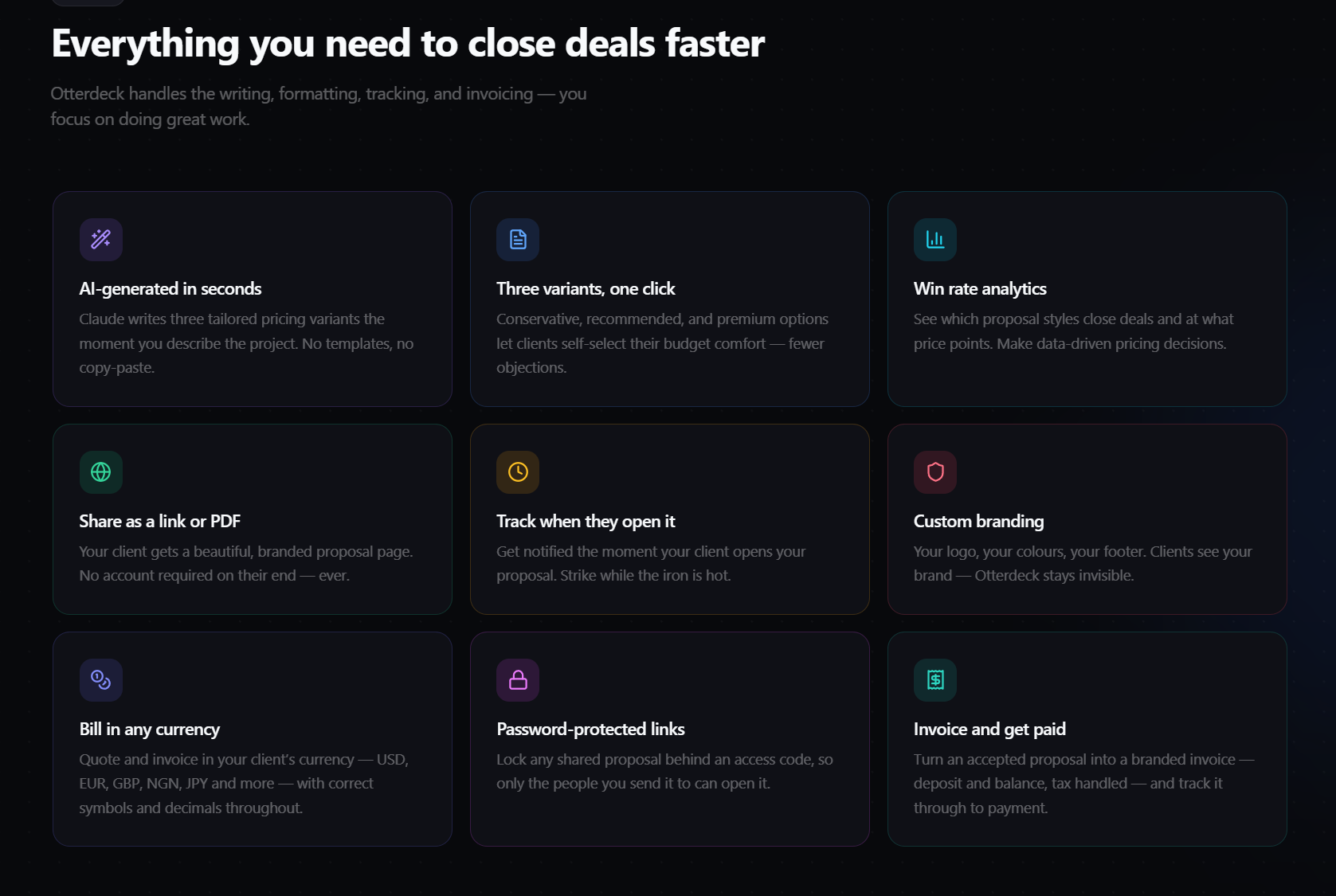
Otterdeck now supports 14 currencies across proposals, client links, PDFs, and invoices. We've also added password-protected proposal links, per-currency analytics, a live word counter, more accurate tax on invoices, and quieter, faster proposal generation behind the scenes. Here's what changed and how to use it.
Multi-currency support: quote and invoice in the currency that fits
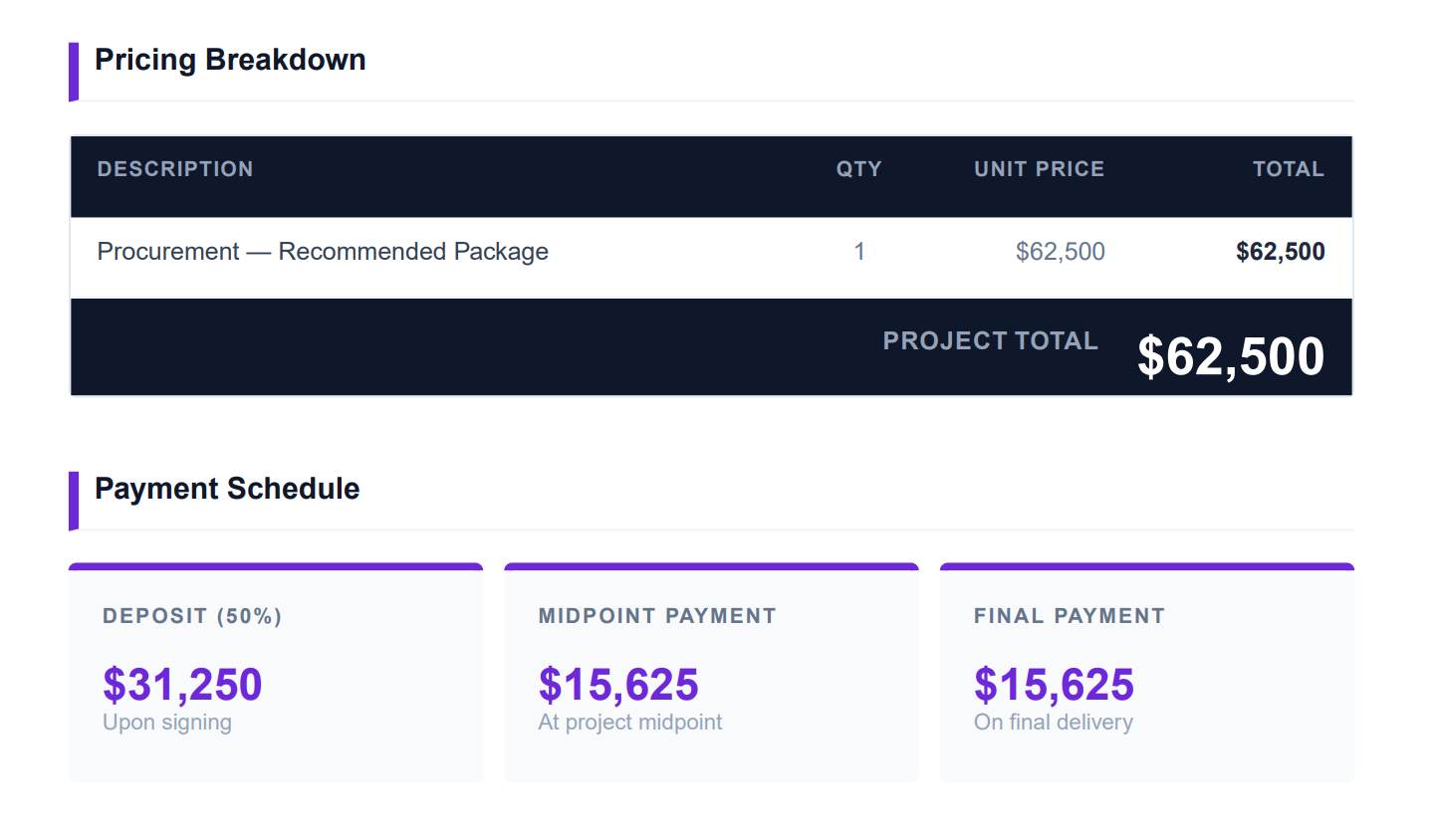
This is the big one. You can now quote and invoice in your client's currency instead of translating everything into dollars in your head (or worse, on the proposal).
What it is: Support for 14 currencies — USD, EUR, GBP, CAD, AUD, NGN (Nigerian Naira), ZAR, INR, AED, SGD, JPY, KRW, BHD, and KWD. Every currency renders with its correct symbol and the right decimal handling. Japanese yen and Korean won show no decimal places; Bahraini dinar and Kuwaiti dinar show three. You don't have to think about any of it.
Why it matters: A proposal that reads in your client's own currency feels considered and professional. It removes a moment of mental math for the person deciding whether to hire you, and it means your invoices match the numbers your client actually pays.
Where it shows up: The currency you choose is applied consistently across the proposal, the client-facing proposal page, PDF exports, invoices, and email notifications. One choice, carried everywhere.
How to use it:
- Set your default currency during onboarding, or change it any time in Settings → Currency.
- Choose one of two modes:
- Single — one default currency for everything you send.
- Multiple — pick a currency per proposal when you create it, ideal if you work across borders.
- A note worth remembering: currency is locked once a proposal is created. Set it at the start, and it stays consistent through to the invoice.
Per-currency analytics: see performance without mixing money
New currencies are only useful if your reporting keeps up. It does.
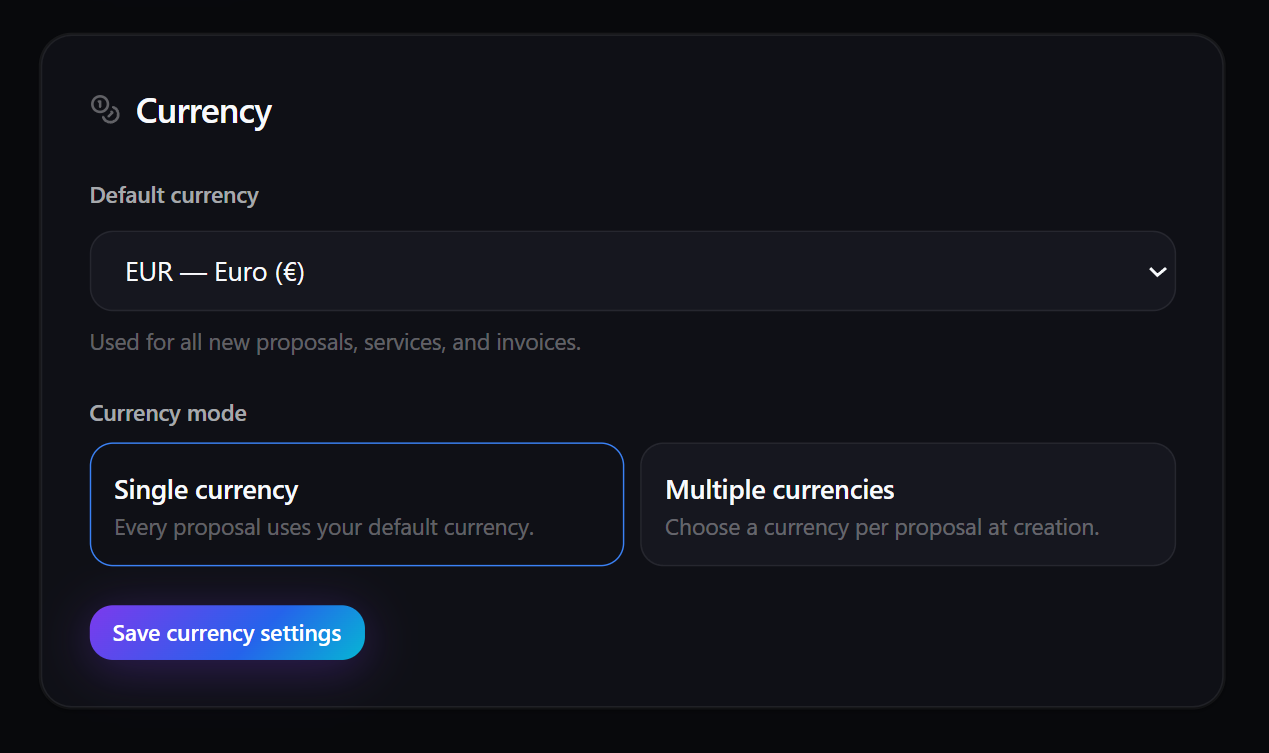
What it is: A new "Deals by currency" breakdown in Analytics, showing average deal size and won revenue per currency.
Why it matters: Money is never summed across different currencies, so your totals stay honest. You won't see 100 dollars and 100 euros mashed into a meaningless "200." You see each currency on its own terms, which is the only way the numbers actually mean anything.
How to use it: Open Analytics and look for the "Deals by currency" section to compare average deal size and won revenue for each currency you work in.
Password-protected proposal links: control who can open a quote
Some proposals aren't meant for a wider audience — especially the ones with pricing you'd rather not have forwarded around.
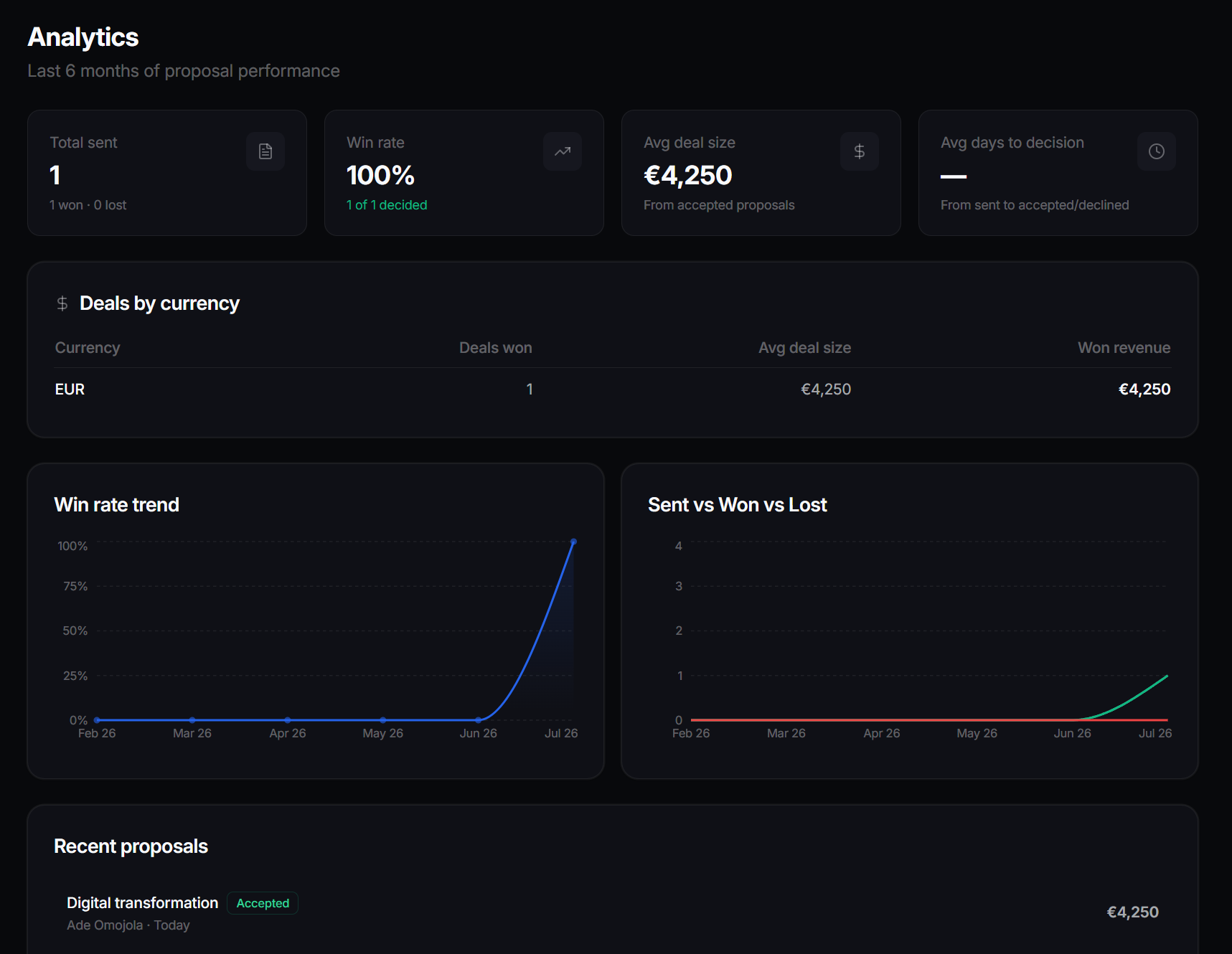
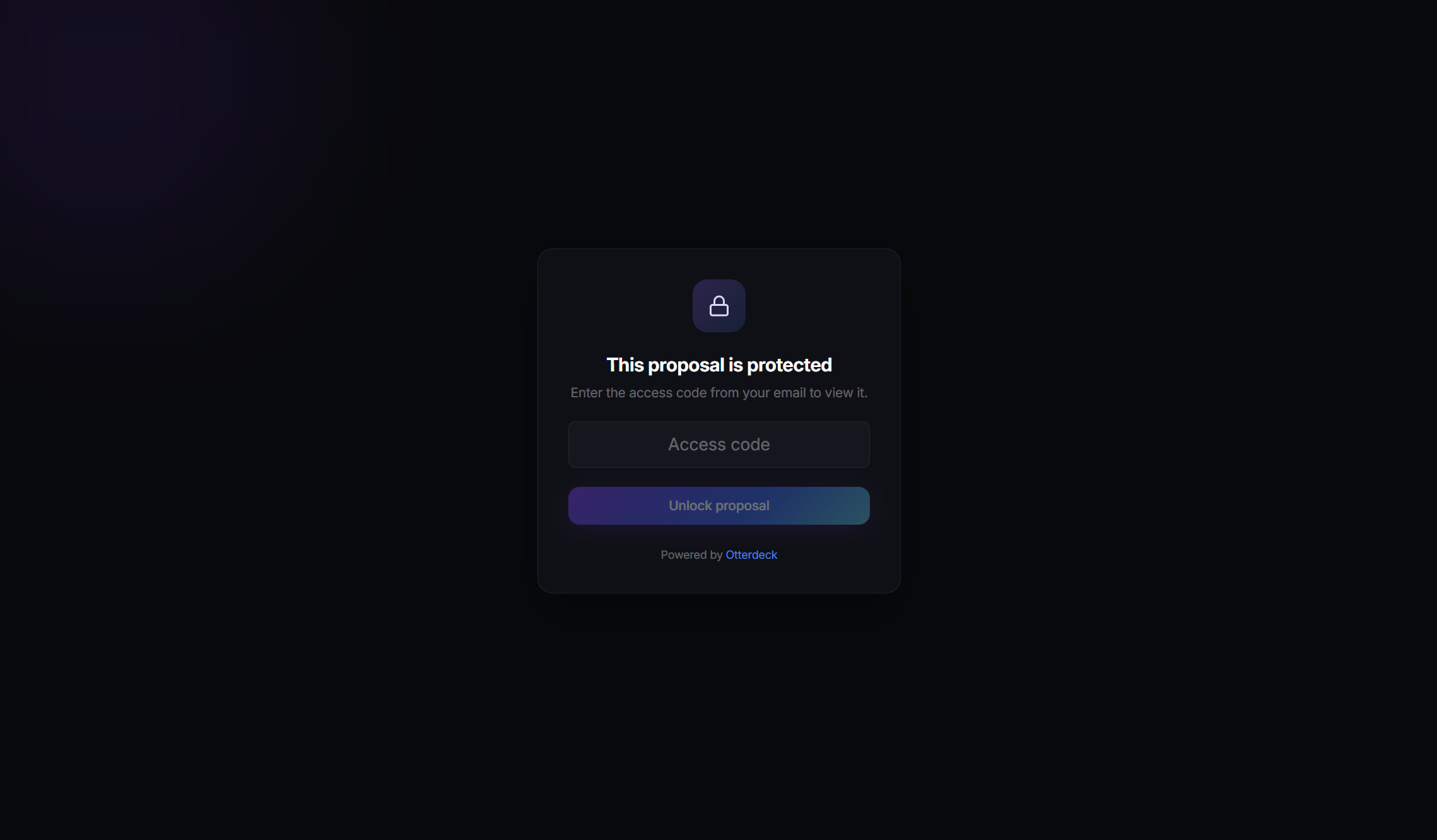
What it is: You can now lock any shared proposal behind an access code. Only the people you send the code to can open it.
Why it matters: Confidential pricing stays confidential. If a link gets forwarded, it's useless without the code, which gives you peace of mind on sensitive deals.
How to use it: When you share a proposal, turn on password protection and set an access code, then share the code with your client through a channel you trust.
A live word counter for project descriptions
A small quality-of-life touch that pays off when you're writing.
What it is: When you create a proposal, the description field now shows a live word count and flags you as you approach the 2,000-word limit.
Why it matters: You'll know exactly where you stand as you write, with no surprise cut-offs. Enough detail for the AI to work with, without overrunning the limit.
Get started
These upgrades are rolling out and available now. Two quick things worth doing today:
- Open Settings → Currency and set the currency (or currencies) you work in.
- Start a new proposal, price it in your client's currency, and lock the link with an access code if the pricing is sensitive.
Then send it, watch for the open, and turn the acceptance into an invoice — in the right currency, with the right tax, every time.